1Photo 1 — Roadside Bin Placement
Upload a photo showing the skip bin placed on the public road or public land.
Position the camera so the full bin, kerb and roadway context are visible.
Accepted
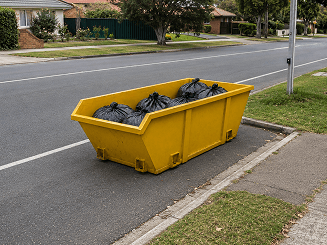
Full bin, kerb and roadway visible in photo.
Rejected
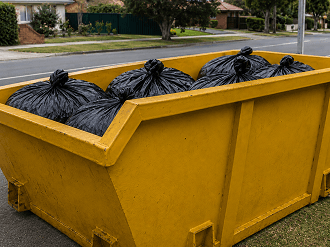
Road context missing or bin cropped — placement can't be verified.
2Photo 2 — Council Notice / Fee Invoice / Penalty Notice
Upload the council notice, permit fee invoice or penalty notice for the charge you are claiming.
Notice details must be readable — issuer, date, address and amount.
All 4 corners of the document should be visible.
Accepted
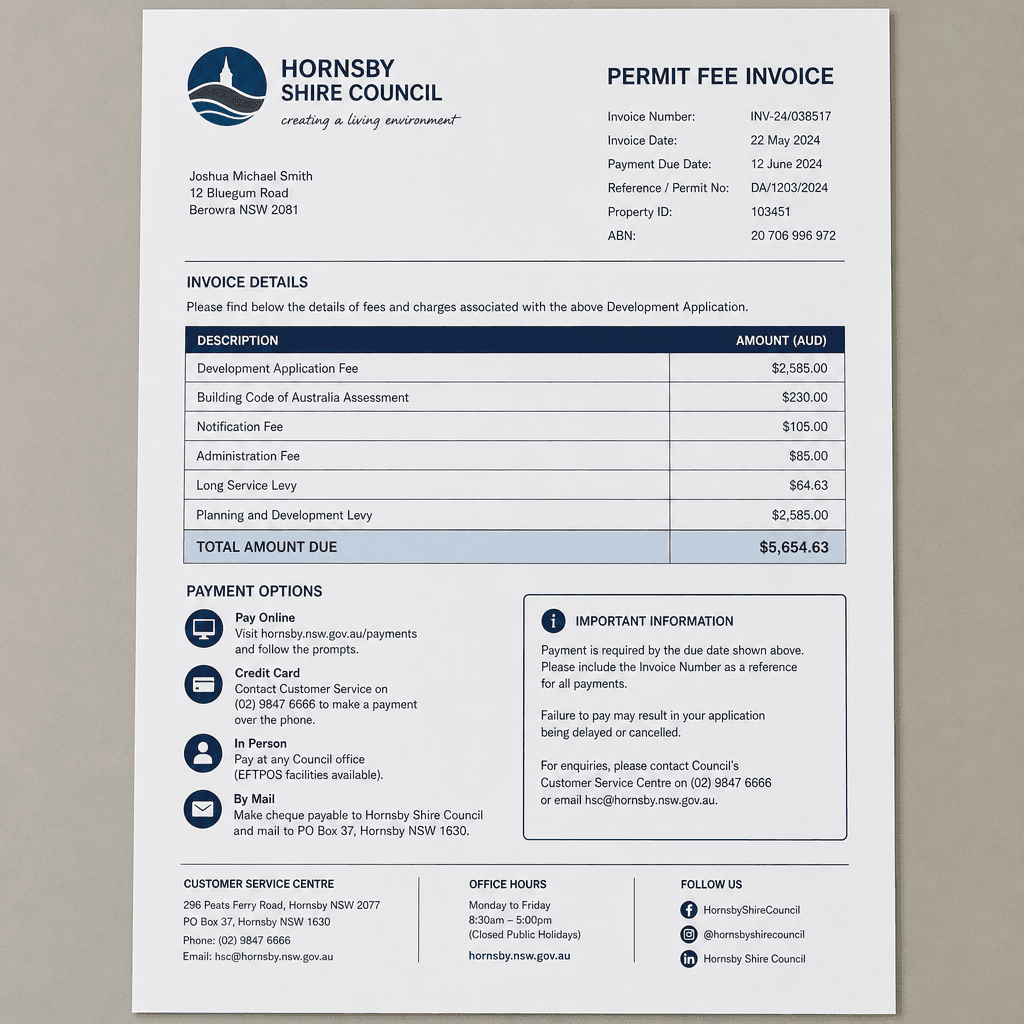
Whole document flat and in focus — all four corners and details readable.
Rejected
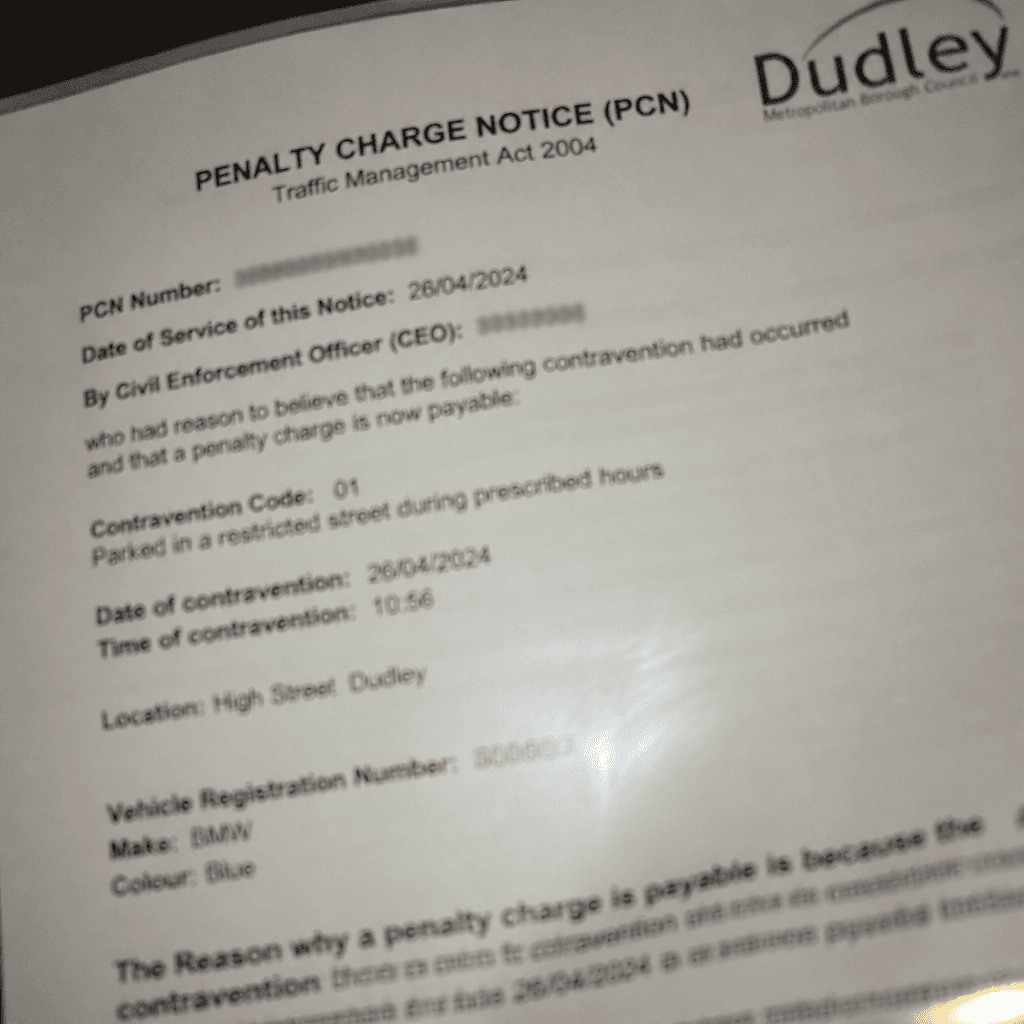
Blurry, cropped or glared — the charge details can't be verified.
Quick Tips
- Take the bin photo in daylight, standing back far enough to show the kerb and road
- Include a street sign or house number where possible to confirm the location
- Lay the notice flat on a plain surface and shoot straight down to avoid glare
- Make sure the issuer, date, address and amount on the notice are readable
Heads up. AI will review your submitted photos. If the bin placement on public road or land can't be clearly seen, or the details on the council notice, fee invoice or penalty notice aren't readable, the road permit charge variation may be rejected. Please double-check both photos before submitting.